
Top Affiliate Marketing Strategies for Earning with Minimal Upfront Costs
Mar 30, 2026



Testing different versions of a web page or email doesn’t have to be complicated, especially with the help of free tools that make the process approachable. By comparing headlines and layouts, you can see firsthand which ones attract more clicks and keep visitors interested. Simple, organized steps build your confidence and allow you to make decisions based on real data, all without spending a lot of money or using complex software. This guide walks you through choosing the right tools, setting up effective tests, monitoring your outcomes, and steering clear of common pitfalls that can slow your improvement.
Whether you run social campaigns, landing pages, or newsletter subject lines, thorough testing reveals what resonates. You’ll break down the process into simple tasks. By the end, you’ll understand how to design experiments that quickly identify winning options. Let’s get started.
A/B testing compares two versions of a webpage element—like a button color or headline—to see which one performs better. You divide your audience, show version A to half and version B to the other half, then measure clicks, sign-ups, or purchases. Your goal is to make small changes that increase engagement and conversion rates over time.
Start with a clear question: “Will changing this button text increase sign-ups?” Focus on one difference per test to identify what influences results. Consistent traffic helps you get meaningful results. If your page receives a few hundred visitors daily, a simple test can reach statistical significance in days instead of weeks.
Choose a tool that matches your traffic volume and technical skills. If you already use Google Analytics, adding Google Optimize takes just minutes. If you prefer visual cues and heatmaps, try VWO or Convert. For email testing, stick with Mailchimp.
Begin by selecting the element you want to test and the metric you want to measure. For instance, test a call-to-action button’s color and track click-through rates. Write down your hypothesis: “Changing the button from blue to orange will increase clicks by at least 10%.” Clear hypotheses prevent you from chasing random results.
Configure your tool by creating two versions—control (original) and variant (modified element). If you use Google Optimize, add the experiment through tag manager. Distribute traffic evenly so both versions receive the same number of visitors. Check both versions on desktop and mobile to ensure visuals display correctly across devices.
Set a realistic test duration based on your traffic. For sites with low traffic, run tests for at least two weeks to gather enough data. For high-traffic landing pages, a few days might be enough. Avoid stopping tests early just because one version appears better; short-term peaks can reverse with more data.
Keep detailed records: URLs, audience segments, start and end dates. This documentation helps keep results clear and prevents mixing tests that focus on different factors. Focus on one change per experiment to clearly see what causes the effect.
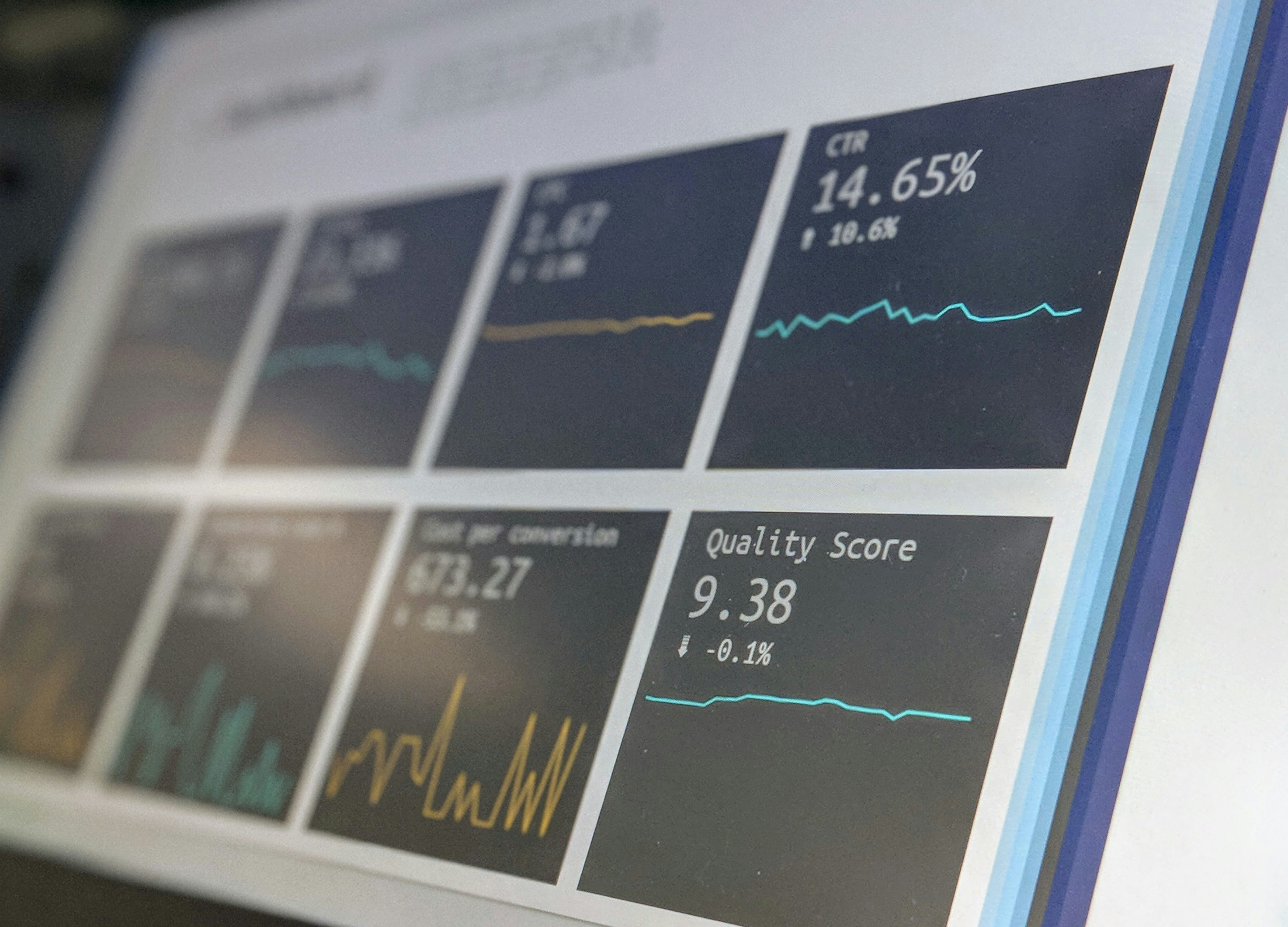
When the test ends, examine your main metric. Many tools show a "winning" version with a confidence score. Aim for at least 95% confidence to trust your results. If your variation increased clicks by 12% with 98% confidence, implement it on your live page.
If results are uncertain, analyze segment data. Perhaps mobile users prefer one version while desktop users prefer another. Use these insights to run follow-up tests tailored to specific device groups. Segmenting results turns vague outcomes into clear action steps.
Do not settle after a single win. Each test adds to your understanding. Once you confirm a winner, test a new element—headline, image, layout—and repeat. Continuous testing and applying improvements build momentum over time. Keep notes on previous experiments to spot patterns, such as wording that consistently boosts engagement.
Share your findings with your team or community. Present clear charts, concise takeaways, and next steps. Even small wins—like a 5% increase in clicks—add up as you refine multiple elements over time.
Follow these steps to develop reliable testing habits and improve continuously. Use free tools to experiment, measure, and implement each new insight.

Building your own online shop for custom stickers or hand-crafted tees no longer requires any coding knowledge. With easy-to-use drag-and-drop tools, you can set up a...
Mar 30, 2026

Success in your next campaign begins with choosing the toolkit that fits your needs. Clear metrics, seamless collaboration, and striking visuals become possible when you...
Mar 30, 2026
Sharing important news—whether it’s a product launch, an event announcement, or a quick tip—calls for more than just sending a single email. People check their phones...
Mar 30, 2026

Balancing coursework, part-time jobs, and personal projects often means daily routines become overwhelming and important goals can slip through the cracks. Setting up...
Mar 30, 2026

Building a memorable identity sets any brand apart from the crowd, yet many stick to what feels safe and predictable. By choosing a fresh approach, you introduce your...
Mar 30, 2026

Many people have creative abilities such as drawing, writing, or composing music, and those skills can become sources of income through digital products. Turning your...
Mar 30, 2026

Great accomplishments often begin with a simple idea, yet bringing that idea to life calls for careful planning and consistent follow-through. Keeping each stage...
Mar 30, 2026

Memes create instant connections by blending humor, relatable moments, and up-to-date trends. They invite laughter and spark quick online interactions, making it easy...
Mar 30, 2026

Designing an impressive slide deck can be simple and affordable. By focusing on clear communication and making thoughtful visual selections, you can craft a compelling...
Mar 30, 2026

Launching a business with limited resources often feels challenging, yet it opens the door to creative problem-solving and smart decision-making. Every dollar counts...
Mar 30, 2026

Launching a creative project often brings excitement along with plenty of questions, especially when it comes to finding the right financial support. A strong...
Mar 30, 2026
Creative sparks can strike at unexpected moments, whether you jot down a concept during lunch or dream up a new approach while commuting. Turning those sudden flashes of...
Mar 30, 2026

Creative ideas can become rewarding projects that help you earn extra income while developing valuable new skills. Whether you design an online course, start a focused...
Mar 30, 2026

Running a business from your laptop allows you to set your own schedule and maintain complete control over every aspect of your work. You can achieve steady and...
Mar 30, 2026