
Adopt Batch Working Strategies To Boost Creative Output
Mar 30, 2026



Completing an entire month’s collection of social posts, blog drafts, and graphics within just a few dedicated days brings a deep sense of accomplishment. Checking every item off your list at once fuels your motivation and opens up mental space for fresh creative ideas. Batch content creation allows you to tap into your creative flow, maintain steady momentum, and keep a consistent publishing schedule without the daily rush. You can plan multiple topics, create a variety of visuals, and organize your posts in advance. This approach transforms content creation from a daily challenge into a manageable and enjoyable routine.
You tap into big-picture planning, pick the best tools, and set aside dedicated blocks for research, writing, and design. When you see how a library of ready-to-publish work empowers you, you gain new confidence in your projects. Let’s break down how this method works, what apps make it easier, and how you can build your own batch workflow step by step.
Batch content creation means grouping similar tasks and tackling them all at once. Instead of writing one blog post each week, you write four in a weekend. You design a series of Instagram stories in one afternoon rather than piecing them together day by day. This approach keeps your brain in one mode—research, drafting, or designing—which speeds you up and keeps you focused.
The benefits reach beyond faster production. You’ll spot themes, reuse assets, and keep your brand voice consistent across different channels. You also avoid the stress of last-minute rushes, freeing up mental space to refine ideas and polish details. Ultimately, you deliver higher-quality work while maintaining a steady publishing rhythm.
These planning tools help you see every piece at a glance, link research to drafts, and keep deadlines in check. Pick one that matches how you think, whether through boards, lists, or visual timelines. When you map out two to three months at a time, you maintain a steady stream of ideas without sudden creative blocks.
Once your roadmap takes shape, you need easy-to-use apps that streamline writing and design. Here’s a step-by-step look at how you might use two popular tools.
Focusing on one step at a time—drafting all posts, then designing all visuals—reduces tons of context-switching. You keep your creative muscles warmed up in one mode, let your mind flow freely, and finish faster.
After planning and production, you need to sync everything for timely publishing. Scheduling tools remove the guesswork of posting at the right hour. They also let you manage multiple channels from one dashboard.
Set up a weekly or monthly posting schedule that reflects peak engagement times. When you drop in your batch of ready-made content, the app handles distribution automatically. You move from task to task in a logical sequence—upload, add captions, pick publish dates, and hit confirm—then relax as the tool publishes on your behalf.
Use simple dashboards from tools like Google Analytics and Hootsuite to gather these numbers in one place. When you spot clear trends, you can tweak your next batch—dropping content that underperforms and doubling down on formats that perform well.
Batch content creation needs planning, the right apps, and discipline. Mastering it gives you control over your calendar and confidence in your brand voice. Dedicate a weekend to prepare your upcoming posts and build a library of polished content.

Creative sparks can strike at unexpected moments, whether you jot down a concept during lunch or dream up a new approach while commuting. Turning those sudden flashes of...
Mar 30, 2026

Grouping similar tasks into specific time blocks encourages deep focus and helps ideas develop naturally without frequent interruptions. Writing multiple blog posts...
Mar 30, 2026

Designing a workspace that feels natural and encourages new ideas helps set the stage for creativity. An orderly environment supports clear thinking and prevents...
Mar 30, 2026

Success in your next campaign begins with choosing the toolkit that fits your needs. Clear metrics, seamless collaboration, and striking visuals become possible when you...
Mar 30, 2026

Many people notice their minds become clearer and more creative when the world slows in the evening. Working or studying late at night can offer a rare sense of focus...
Mar 30, 2026

After completing a creative school project in marketing and receiving recognition, you might still hesitate to share your abilities on the internet. With so many people...
Mar 30, 2026

Memes quickly grab attention, connect with online communities, and ignite lively conversations. Blending current humor with popular culture references helps create...
Mar 30, 2026

Designing an impressive slide deck can be simple and affordable. By focusing on clear communication and making thoughtful visual selections, you can craft a compelling...
Mar 30, 2026
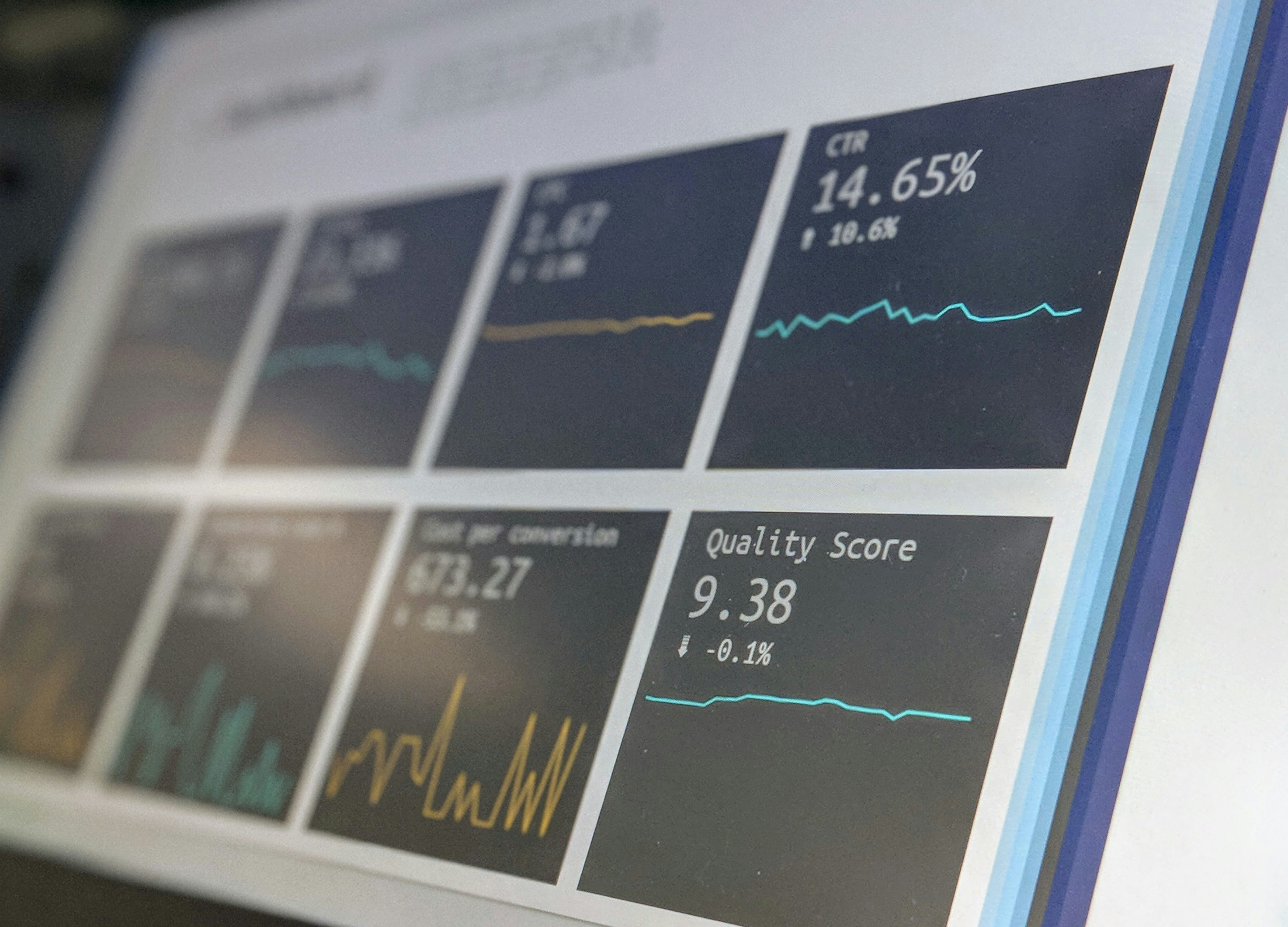
Sharing important news—whether it’s a product launch, an event announcement, or a quick tip—calls for more than just sending a single email. People check their phones...
Mar 30, 2026
Take some time to explore TikTok and observe the way people engage with its unique features. Notice how short videos quickly grab attention, how trending sounds and...
Mar 30, 2026

Reaching out to a well-known brand can seem overwhelming when you are building your presence from the ground up. Many wonder how to capture attention without a large...
Mar 30, 2026

Launching a new venture often brings a mix of excitement and uncertainty, particularly if you haven’t created a formal plan before. This guide breaks down each stage of...
Mar 30, 2026

Creative ideas can become rewarding projects that help you earn extra income while developing valuable new skills. Whether you design an online course, start a focused...
Mar 30, 2026

Building a memorable identity sets any brand apart from the crowd, yet many stick to what feels safe and predictable. By choosing a fresh approach, you introduce your...
Mar 30, 2026