
Supercharge Your Marketing With Tools That Help You Work Smarter
Mar 30, 2026



Cluttered files, overflowing inboxes, and scattered apps often make daily tasks more difficult than they need to be. Searching for last week’s photo or trying to remember where a project folder went can waste valuable time and energy. This guide offers straightforward, practical steps to help you organize your digital life with ease. Discover how to identify problem areas, arrange your files logically, reduce email overload, choose useful apps, and maintain an orderly system. With a little effort and a clear plan, you can bring order to your digital world and enjoy a more productive, stress-free experience.
Start by taking a quick inventory of where clutter hides. Open each folder, glance at your desktop, and scroll through your downloads. Note which spaces fill up fastest and where duplicates appear. Seeing the scale helps you tackle one area at a time, rather than guessing where to begin.
Next, rate each category on a simple scale: 1 for barely used, 2 for occasional use, and 3 for daily use. This allows you to identify hotspots—those 3s that demand priority. Once you know where clutter builds, choose targeted actions instead of random deletions.
Create a folder hierarchy that reflects your priorities. For example, start with broad categories like “School,” “Work,” and “Personal.” Inside each, add topic-specific folders. This structure helps you click straight to what you need without hunting.
Label folders and files with clear dates and descriptions. Instead of “document_final,” use “Resume_2024April.” Consistent names let you sort by date or topic at a glance. Avoid vague words like “misc” or “stuff.” That way, you’ll never open a folder only to shrug and close it again.
Apply a rule: archive or delete every email older than three months unless you reference it regularly. This cleanup immediately frees space and cuts down your search time. You’ll notice fewer results when you look for recent conversations.
Create folders or labels for ongoing topics like “Job Applications” or “Group Projects.” Move messages into these compartments once you read them. Over time, your inbox becomes a true inbox—holding only new or unread items.
Review each app on your phone, tablet, and computer. Ask whether you open it at least twice a week. If not, you probably don’t need it on your home screen or desktop. Removing unused apps declutters visually and reduces distraction.
Consolidate similar functions into one tool. Instead of juggling three notetaking apps, pick one that covers text, images, and audio. For example, you might choose Evernote or OneNote if you need rich media notes. Using fewer apps means fewer passwords to remember and fewer updates to install.
Sync only the essentials. Disable automatic sync for apps you rarely use. That way, your device storage stays free for files you actually open. If you rely on cloud storage, pick one main service—Google Drive, Dropbox, or iCloud—so you don’t scatter documents across multiple accounts.
Set aside a regular time each week or month for digital upkeep. Treat it like a workout appointment: put it on your calendar and honor it. During this time, go through your downloads folder, delete old files, archive finished projects, and clear your inbox. Making maintenance part of your schedule prevents clutter from piling up again.
Create quick checklists for these sessions. For example:
When you complete each item, mark it off. Checking boxes gives you a small win and keeps motivation high. Over time, this routine becomes second nature, and your digital life stays tidy without extra effort.
Now you can assess clutter, organize files, and create simple habits to maintain your workspace. Choose one task to start today and improve your productivity and peace of mind.

Creative sparks can strike at unexpected moments, whether you jot down a concept during lunch or dream up a new approach while commuting. Turning those sudden flashes of...
Mar 30, 2026

Great accomplishments often begin with a simple idea, yet bringing that idea to life calls for careful planning and consistent follow-through. Keeping each stage...
Mar 30, 2026

Building solid organization skills makes it easier to handle projects and daily responsibilities with confidence. Sorting notes, planning out your week, and monitoring...
Mar 30, 2026

Building your own online shop for custom stickers or hand-crafted tees no longer requires any coding knowledge. With easy-to-use drag-and-drop tools, you can set up a...
Mar 30, 2026
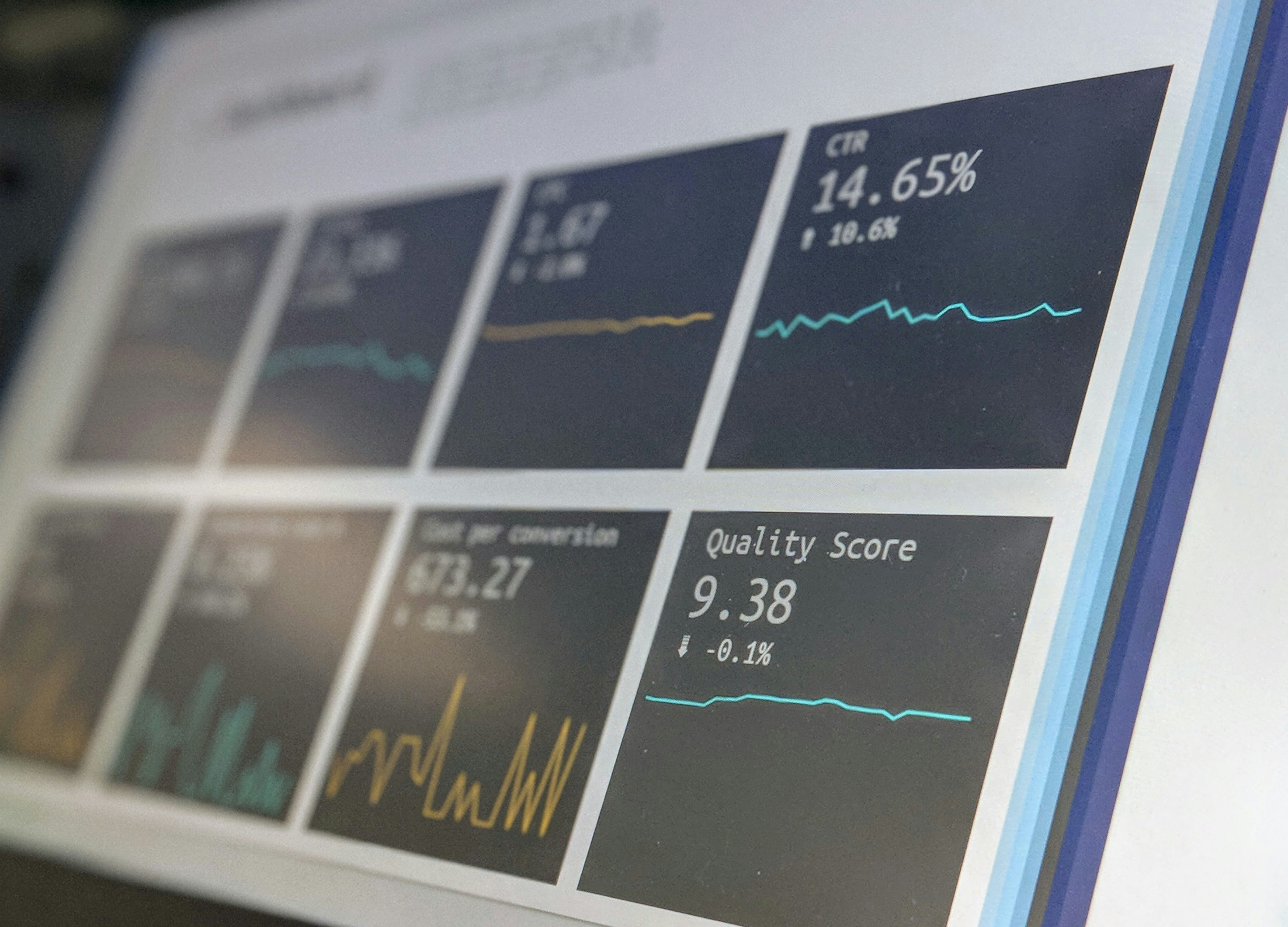
Sharing important news—whether it’s a product launch, an event announcement, or a quick tip—calls for more than just sending a single email. People check their phones...
Mar 30, 2026

Creating a peaceful spot for work or study in a cramped area often seems challenging, especially when interruptions are everywhere. Even in a crowded apartment, you can...
Mar 30, 2026

Many people struggle to study efficiently when confined to a cramped corner surrounded by distractions. Creating a comfortable space can make a big difference in your...
Mar 30, 2026

Grouping similar tasks together and dedicating specific blocks of time to them helps simplify your workflow and make room for fresh ideas. By focusing on one category of...
Mar 30, 2026

Building a new planning routine brings both anticipation and some uncertainty. Many people ask themselves how to select the right tools, create daily habits, and stay...
Mar 30, 2026

Creative ideas can become rewarding projects that help you earn extra income while developing valuable new skills. Whether you design an online course, start a focused...
Mar 30, 2026
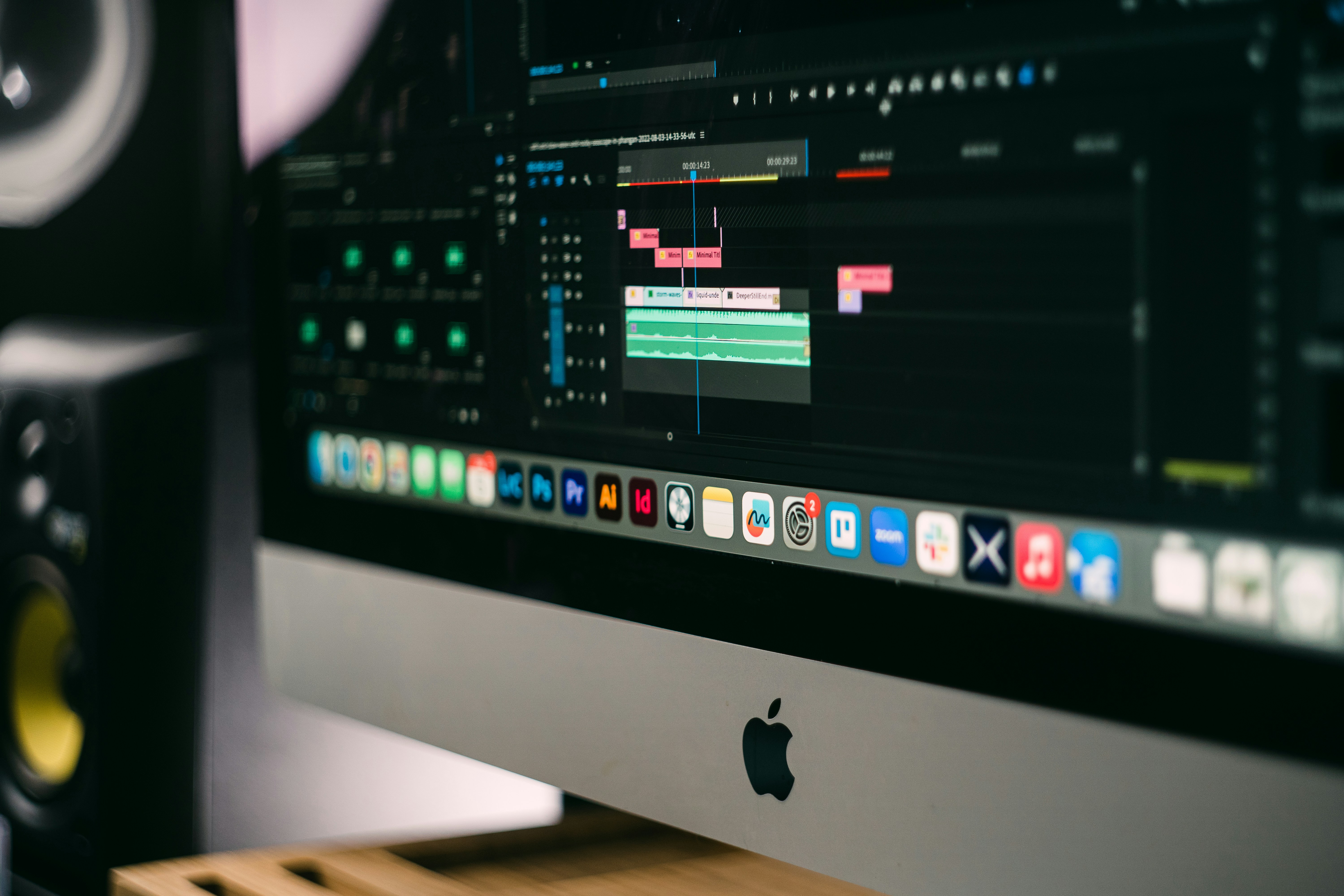
Completing an entire month’s collection of social posts, blog drafts, and graphics within just a few dedicated days brings a deep sense of accomplishment. Checking every...
Mar 30, 2026

Facing a tight deadline often creates a sense of pressure when you notice the amount of unfinished work on your plate. Distractions like scrolling through social media...
Mar 30, 2026
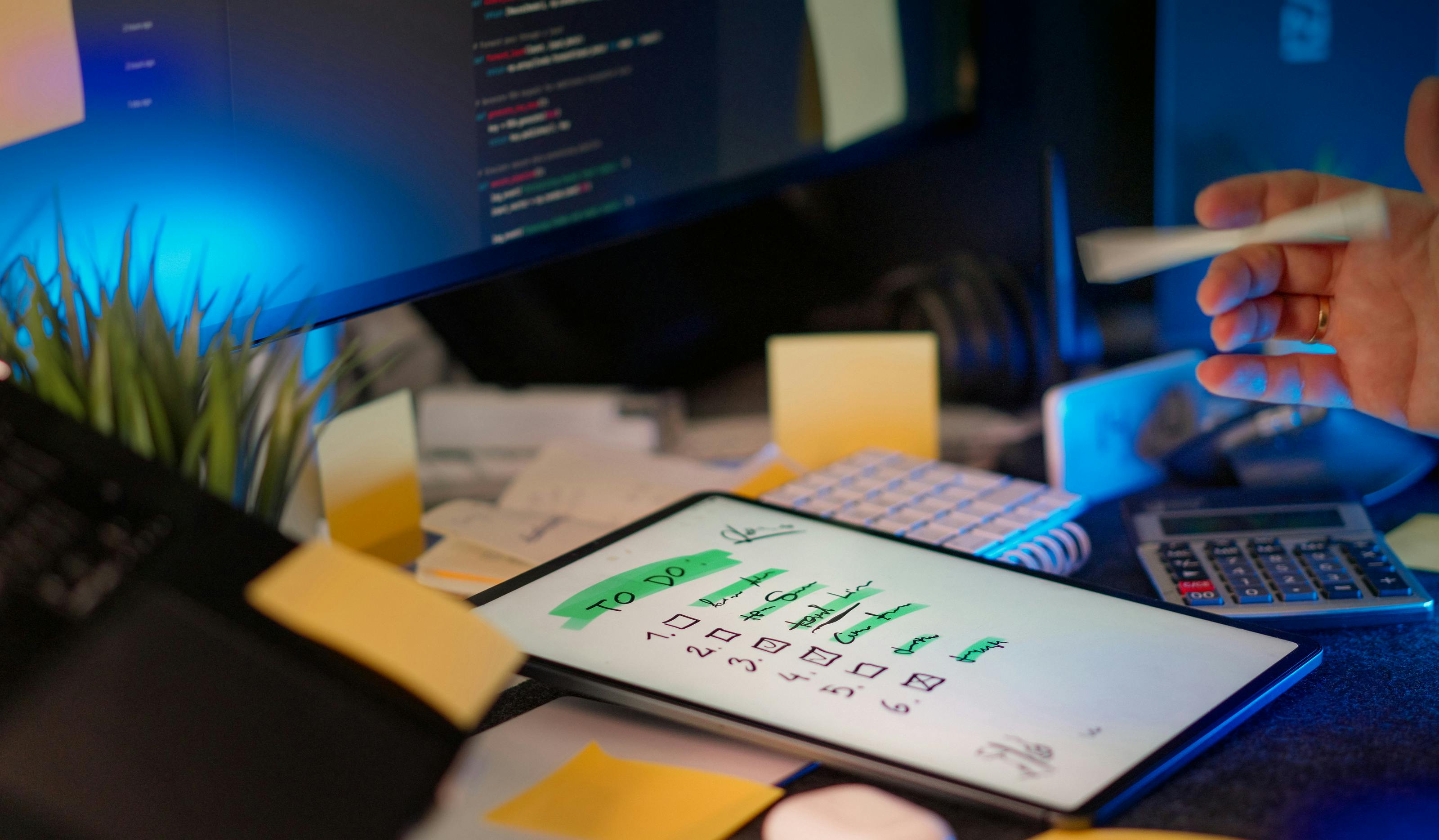
Most people face days when their to-do list feels endless and keeping up with everything seems impossible. Balancing coursework, job shifts, social commitments, and...
Mar 30, 2026

Many people notice their minds become clearer and more creative when the world slows in the evening. Working or studying late at night can offer a rare sense of focus...
Mar 30, 2026