
6 Goal Setting Tactics for Early Career Success
Mar 30, 2026



Building a new planning routine brings both anticipation and some uncertainty. Many people ask themselves how to select the right tools, create daily habits, and stay consistent without feeling overwhelmed. By crafting a straightforward approach and breaking tasks into manageable steps, you can move from hesitation to steady progress. You will discover how to select a planner that meets your needs, develop daily rituals that feel rewarding, and customize your planning style so it fits seamlessly into your life. Small changes can make a real difference, helping you achieve your goals with greater ease and satisfaction as you move forward.
First, pick an app or platform that feels intuitive. Some people enjoy Notion for its all-in-one workspace, while others prefer the classic note-taking features in OneNote. Free options like Google Keep or apps such as Evernote also work well if you like quick notes and reminders. Test a couple of options for a week to see which one you naturally return to.
Next, create main sections or notebooks to organize your life. Think of categories like “School,” “Work,” “Personal Goals,” and “Self-Care.” Dedicate space to each area to avoid clutter and know exactly where to jot down each task. Keeping things grouped helps you find what you need quickly instead of scrolling through one endless list.
The secret to consistent progress lies in a routine that fits into your day without taking over. Pick a time window—for example, 10 minutes each morning or evening. During that time, open your planner, review tasks, and set priorities.
Follow this simple process each day:
This lightweight routine takes less than 10 minutes but helps you develop a habit that grows over time. Think of it like checking your social feed: a quick, daily ritual that keeps you grounded and focused.
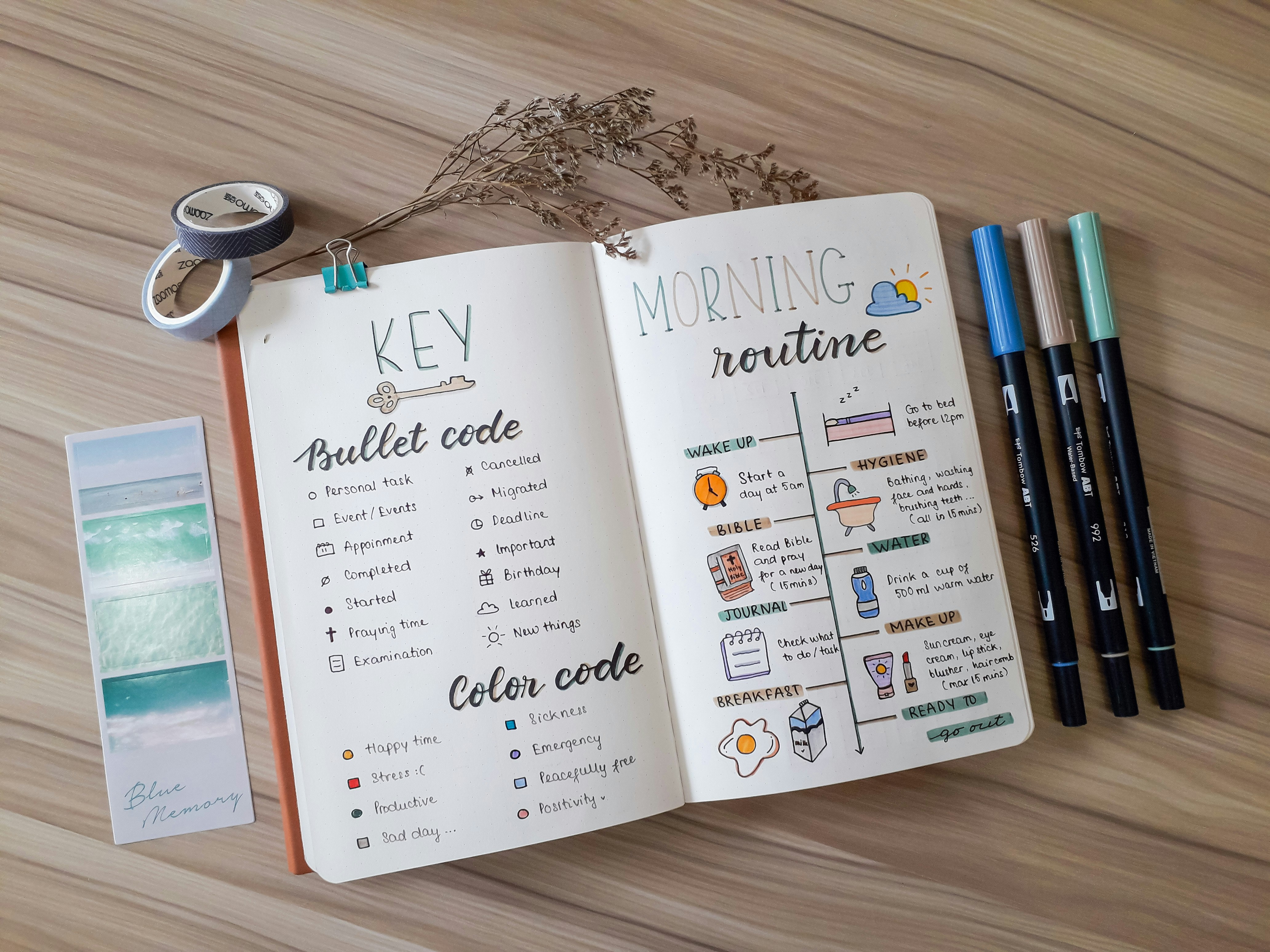
Once you choose an app, personalize its look and feel. A clear layout feels inviting and makes you more likely to stick with your routine. Try these layout ideas:
Modify colors, headings, and fonts to match your style. If you prefer pastels, pick soft hues that calm you. If bright colors energize you, add highlights or colored labels. The aim is to make your planner a space you enjoy visiting every day.
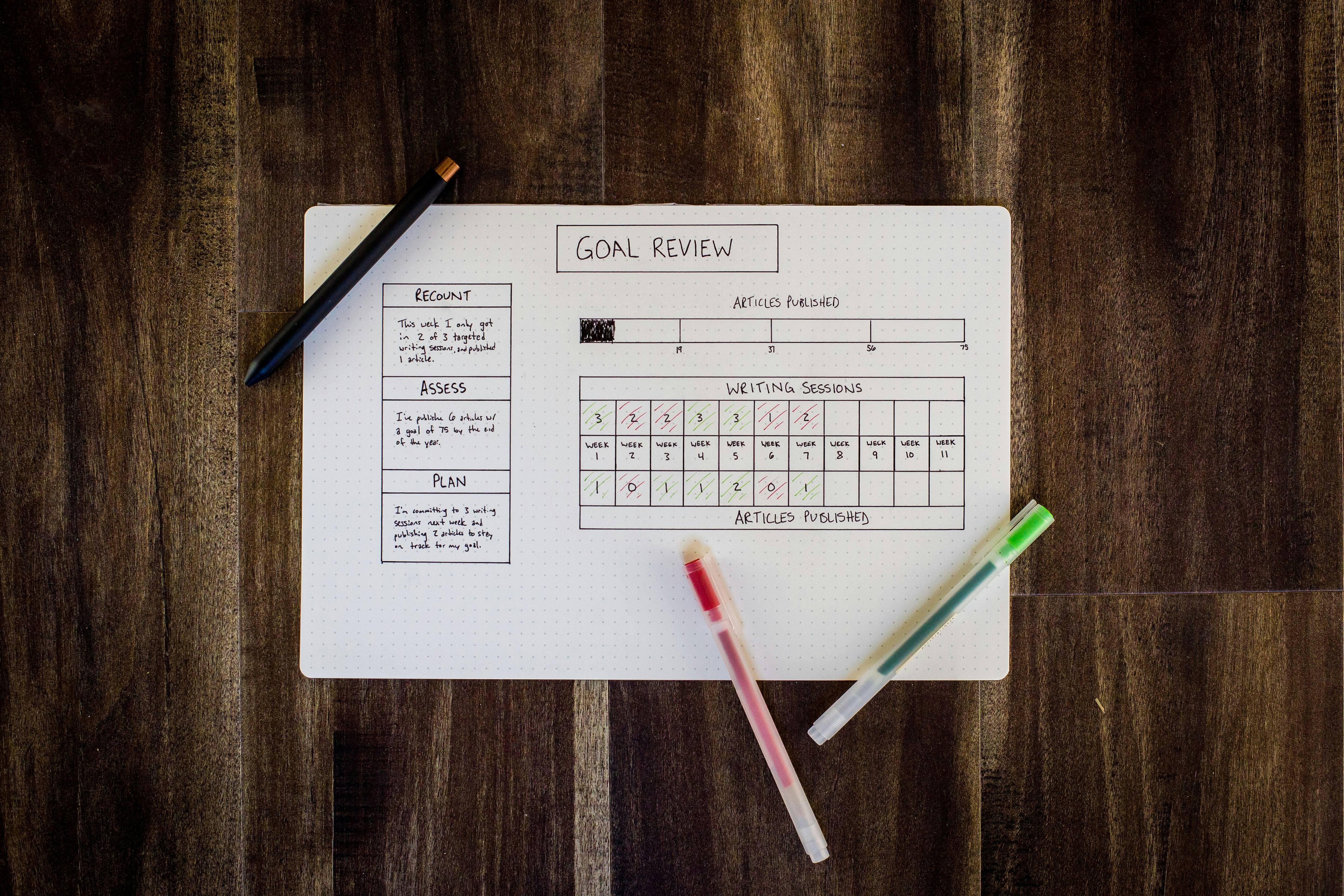
Check your progress regularly to stay on track with your goals. Set aside 15–20 minutes each week or every two weeks for a review. Reflect on what worked and what didn’t. Did you complete most tasks? Which routines felt natural, and which felt forced?
Adjust your setup based on what you learn. If planning in the morning conflicts with your schedule, switch to an evening session instead. If habit tracking feels too rigid, reduce the number of habits and focus on the most impactful ones. Small tweaks keep your system fresh and aligned with your changing needs.
Keeping your motivation high can be hard once the initial excitement fades. Here are some ways to stay inspired:
If you feel stuck, revisit why you started planning in the first place. Maybe you wanted less stress around assignments or more time for hobbies. Reminding yourself of the benefits motivates you to push through slow days and stick with your routine.
Over weeks and months, life changes. Your planner routine should adapt to new challenges and goals. Each quarter, choose one thing to upgrade: add a gratitude journal page, try time-blocking, or create a vision board within your planner app. New features keep your system interesting and prevent it from feeling stale.
Talk with friends who also use digital planners and exchange tips. You might discover a useful feature in Trello or a helpful template in GoodNotes that matches your style. Sharing ideas helps you improve your approach and keeps you excited about tracking your progress.
Regular check-ins, thoughtful adjustments, and an enjoyable planner setup help you steadily reach your goals without stress. Begin small, stay consistent, and observe your progress each week.

Building solid organization skills makes it easier to handle projects and daily responsibilities with confidence. Sorting notes, planning out your week, and monitoring...
Mar 30, 2026

Many people find themselves drained after spending hours sending out applications and waiting for replies that seem to take forever. The routine of updating resumes,...
Mar 30, 2026

Most people face days when their to-do list feels endless and keeping up with everything seems impossible. Balancing coursework, job shifts, social commitments, and...
Mar 30, 2026

Great accomplishments often begin with a simple idea, yet bringing that idea to life calls for careful planning and consistent follow-through. Keeping each stage...
Mar 30, 2026
Balancing coursework, homework, and time with friends often feels overwhelming. Using a notebook can help you organize your responsibilities and break down tasks into...
Mar 30, 2026
Setting aside a specific area for planning and reflecting can bring a sense of order and focus to each day. Using a productivity journal allows you to organize your...
Mar 30, 2026

Balancing academic responsibilities with building a new business calls for organized routines and consistent attention. With a thoughtful approach, you can create a...
Mar 30, 2026

Balancing a side gig alongside daily responsibilities often means switching between creative tasks and managing finances. You might find yourself designing graphics,...
Mar 30, 2026

Building better habits and advancing at work often seems overwhelming, but connecting reliable techniques to your everyday actions can make a significant difference....
Mar 30, 2026

Balancing coursework with a side hustle may seem overwhelming at first, yet careful organization and steady progress make it possible. By following straightforward...
Mar 30, 2026

Managing schoolwork alongside a passion project often feels overwhelming, especially when deadlines and ideas start piling up. Reliable tools can help bring structure...
Mar 30, 2026

Juggling demanding coursework while launching your own project often brings a sense of chaos as deadlines and responsibilities pile up. Exams, research assignments,...
Mar 30, 2026

Creative sparks can strike at unexpected moments, whether you jot down a concept during lunch or dream up a new approach while commuting. Turning those sudden flashes of...
Mar 30, 2026

Creative ideas can become rewarding projects that help you earn extra income while developing valuable new skills. Whether you design an online course, start a focused...
Mar 30, 2026